
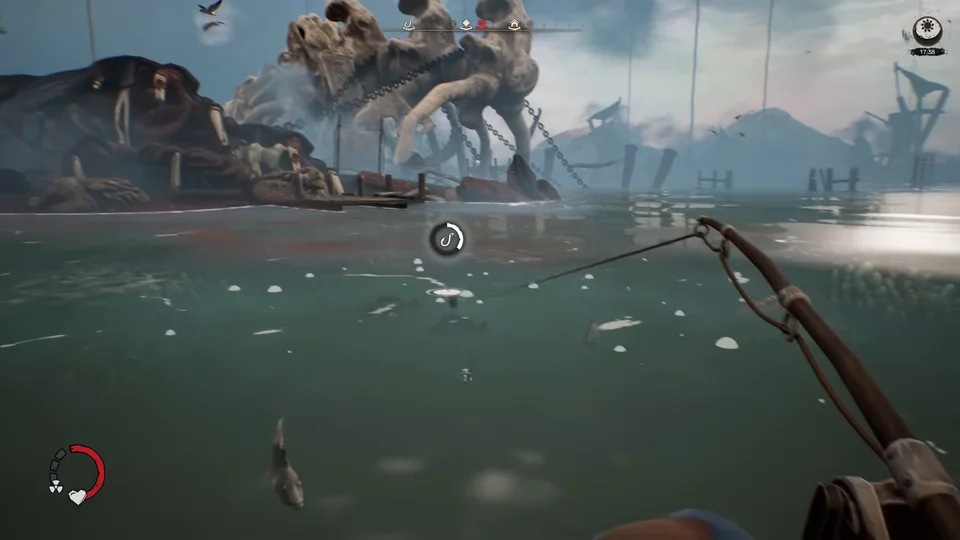
Minimum Specs
The demo includes additional optimization work designed to help DREADMOOR run more smoothly and make the game accessible across a wider range of PC hardware.
For minimum processor performance in the demo, the game requires an Intel Core i5-8400 or AMD Ryzen 5 2600.
System memory at minimum requires 8 GB RAM to explore the Submerged Lands in the demo.
Minimum graphics cards specify an Nvidia GTX 1060 6 GB or AMD Radeon RX 580 8 GB.
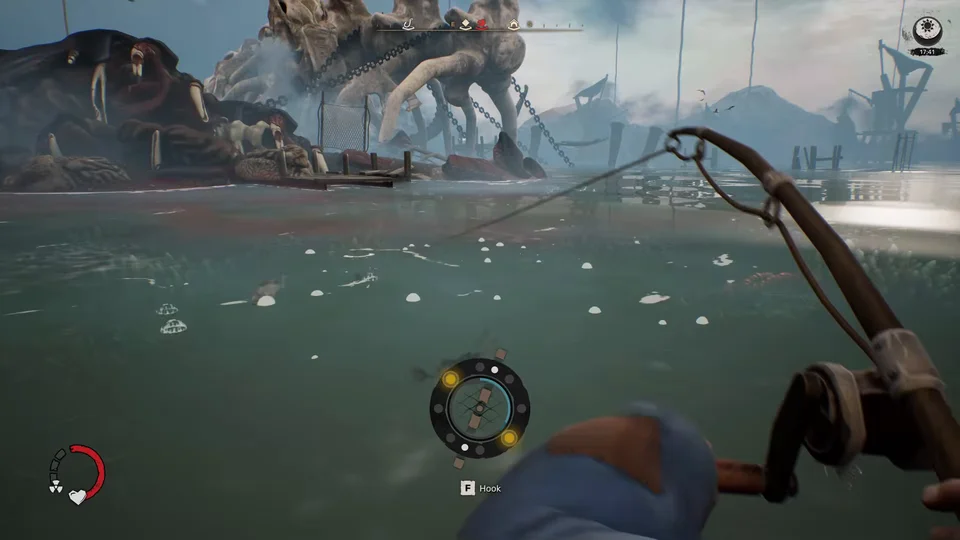
Recommended Hardware
Recommended processor specifications in the demo designate an Intel Core i5-12400F or AMD Ryzen 5 5600.
Recommended memory increases to 16 GB RAM.
Recommended graphics hardware specifies an Nvidia RTX 4060 or AMD Radeon RX 7600.
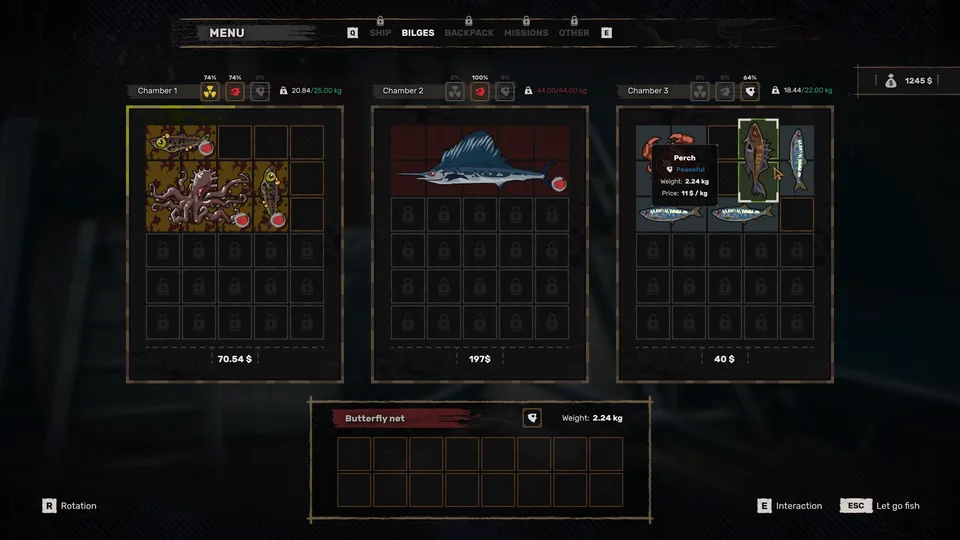
Optimization Updates
The demo includes a number of animation improvements aimed at raising their overall quality and making movement and interactions feel more natural.
Save Files
The developers advise players from earlier playtests not to continue old save games, as doing so may result in unexpected bugs and crashes.
The developers strongly recommend that you delete your old save games files before launching the demo.
Open Steam, go to your Library, right-click DREADMOOR, select Manage, and choose Browse local files.
Locate the Saved folder inside the Dreadmoor directory and delete it completely before starting a new run.